

1
Identify Your Requirements
Determine what kind of media you want to generate. Consider factors such as:
- Format: Do you need text-to-image, image editing, text-to-video, image-to-video, video editing, text-to-speech, speech-to-text, or voice clone?
- Quality vs. Speed: Do you need high-fidelity cinematic outputs (e.g., Vidu Q3 Pro, Grok Imagine Quality) or fast, cost-effective generations (e.g., MAI Image 2.6 Flash, Vidu Q3 Turbo, CosyVoice Flash)?
- Special Features: Do you need character consistency, native video audio, specific voices or languages, or specific aspect ratios?
2
Provide the Model Directory to an AI Assistant
Submit the Modellix model directory link 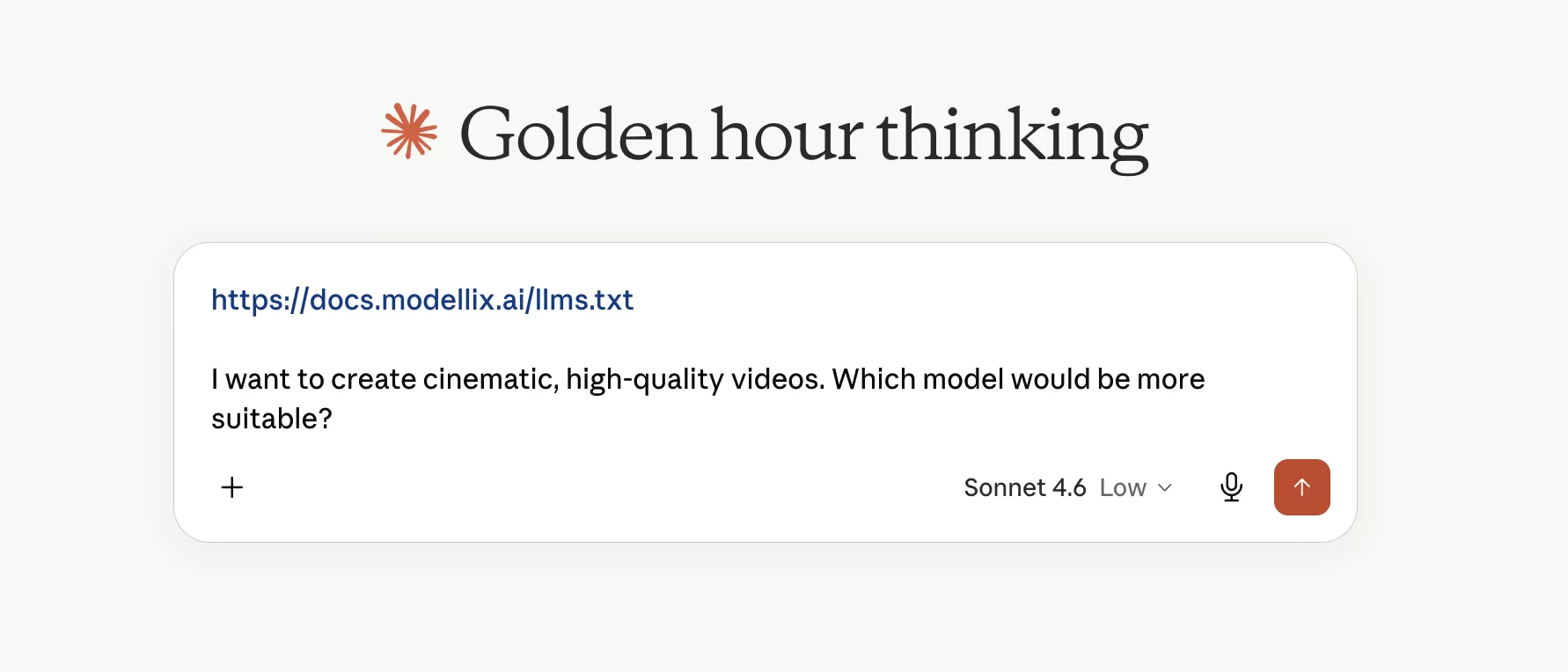 For example, you can use a prompt like this:
https://docs.modellix.ai/llms.txt along with your specific requirements to an AI assistant (such as Claude, ChatGPT, or Gemini).For example, you can use a prompt like this:Prompt Example
3
Get Tailored Recommendations
The AI assistant will read the comprehensive model descriptions in our 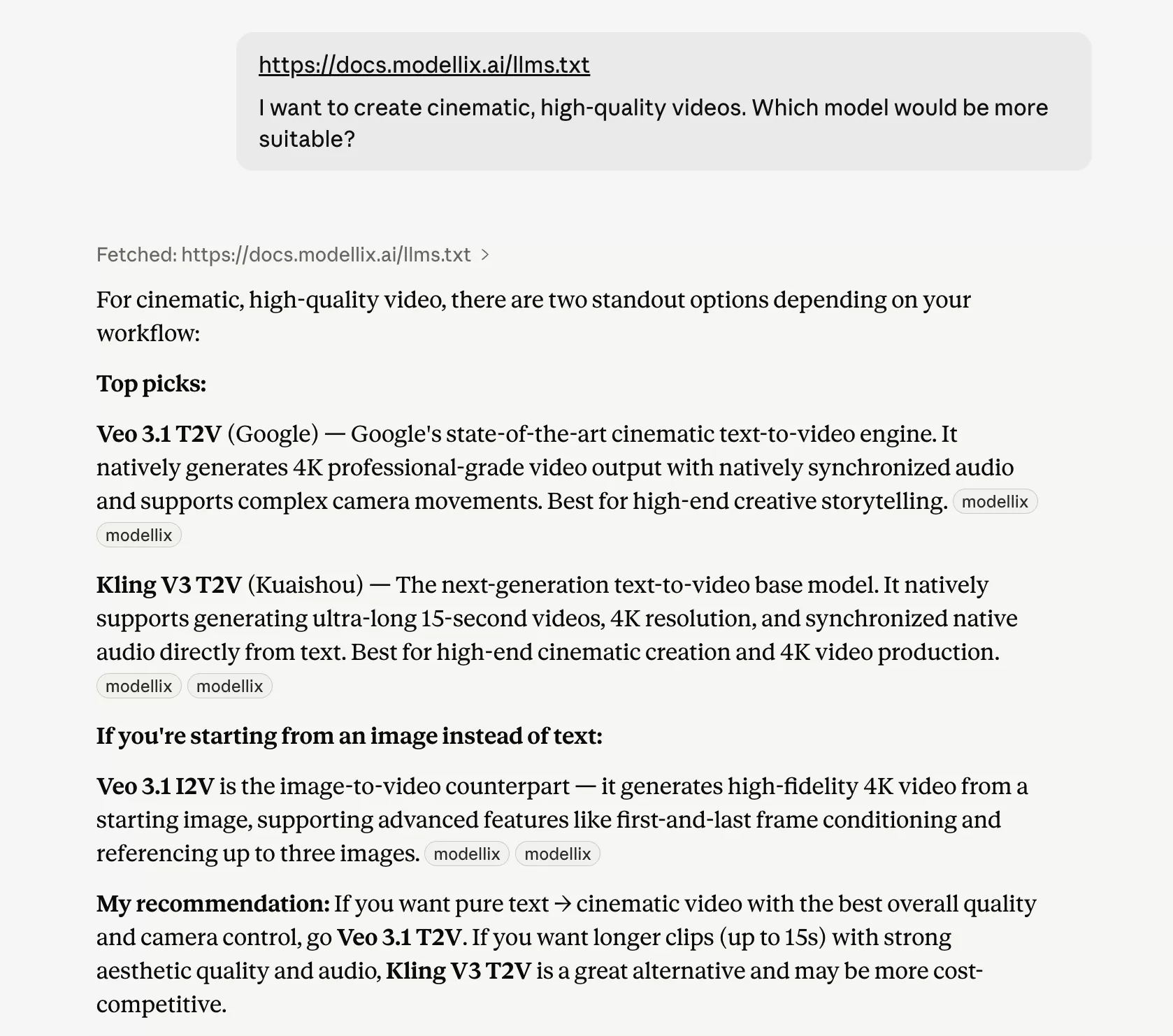 The
The
llms.txt file, analyze your requirements, and recommend the best-fitting models for your specific use case.The llms.txt file is automatically kept up to date with descriptions of every model available on the Modellix Platform, ensuring you always get recommendations based on the latest model capabilities.